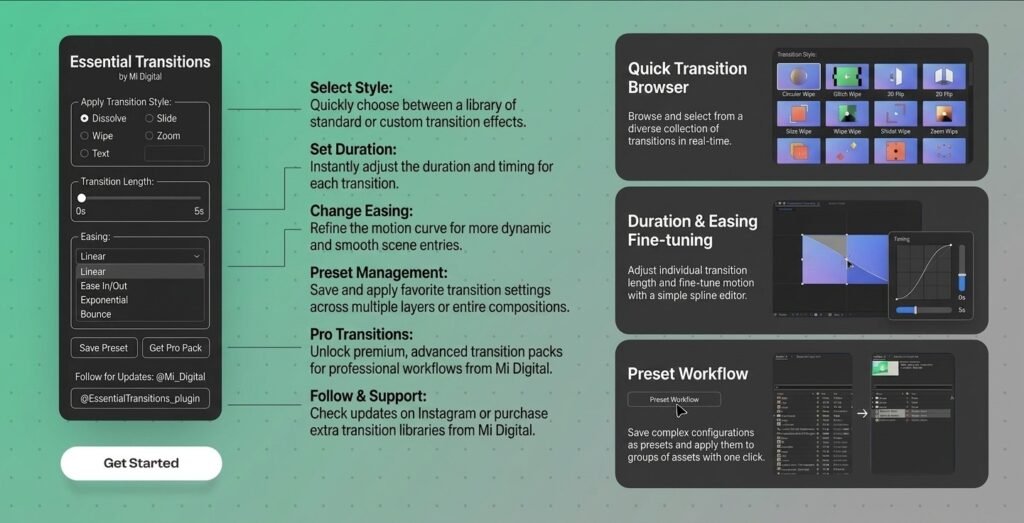
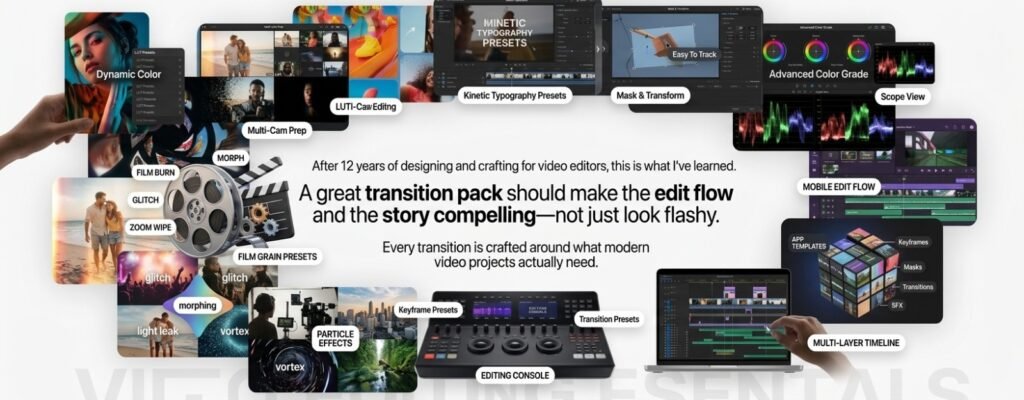
250+ Essential Transitions Pack Bundle is a collection of ready-to-use video transitions that helps editors and content creators make their videos look smooth and professional in seconds, with no advanced editing skills needed.
The pack has 9 transition collections. Each one clearly shows which software it works in.
Import the files into Premiere Pro or After Effects.
Drag and drop onto your clips. Done.
Why choose this pack
Huge variety: 9 styles in one pack, from simple slides to glitch and light effects
Saves time: No keyframing or building from scratch
Works for any niche: vlogs, reels, ads, corporate videos, music videos
Commercial use included: use them in client work and monetized videos
Low price: just $10
Essential Transitions Pack
License (commercial use)
You can
Use the transitions in personal and commercial projects, including client work.
Use them in unlimited projects
You can’t
Resell, share, or redistribute the files themselves, alone or in another pack
Upload the files to any marketplace or sharing site
Premiere pro and After effects Pack
14-Day Refund Policy
We want you to be happy with your purchase. If you’re not satisfied, contact us within 14 days of your purchase and we’ll refund your order if:
the files are damaged or won’t open, and we can’t fix it for you
the product is significantly different from what’s described on this page
a collection doesn’t work in the software listed for it
Not eligible: change of mind after downloading and using the files, problems caused by unsupported software or outdated versions, or requests after 14 days.
Frequently Asked Question
What do I get after purchase?
An instant download link from Digistore24, on the thank-you page and in your email
Which software does it work with?
Adobe Premiere Pro and After Effects (latest versions). Each collection shows which program it supports.
Is “Mac FX” only for Mac?
No, the name is just a style. It works on Windows and Mac.
Do I need to update Premiere Pro or After Effects?